- 対応バージョン:0.34
- サブスクライバー数:2738
- 最終更新:2026-08-08 00:08:16 UTC
- 制作者:76561197962550502
MOD説明(日本語)
MOD概要
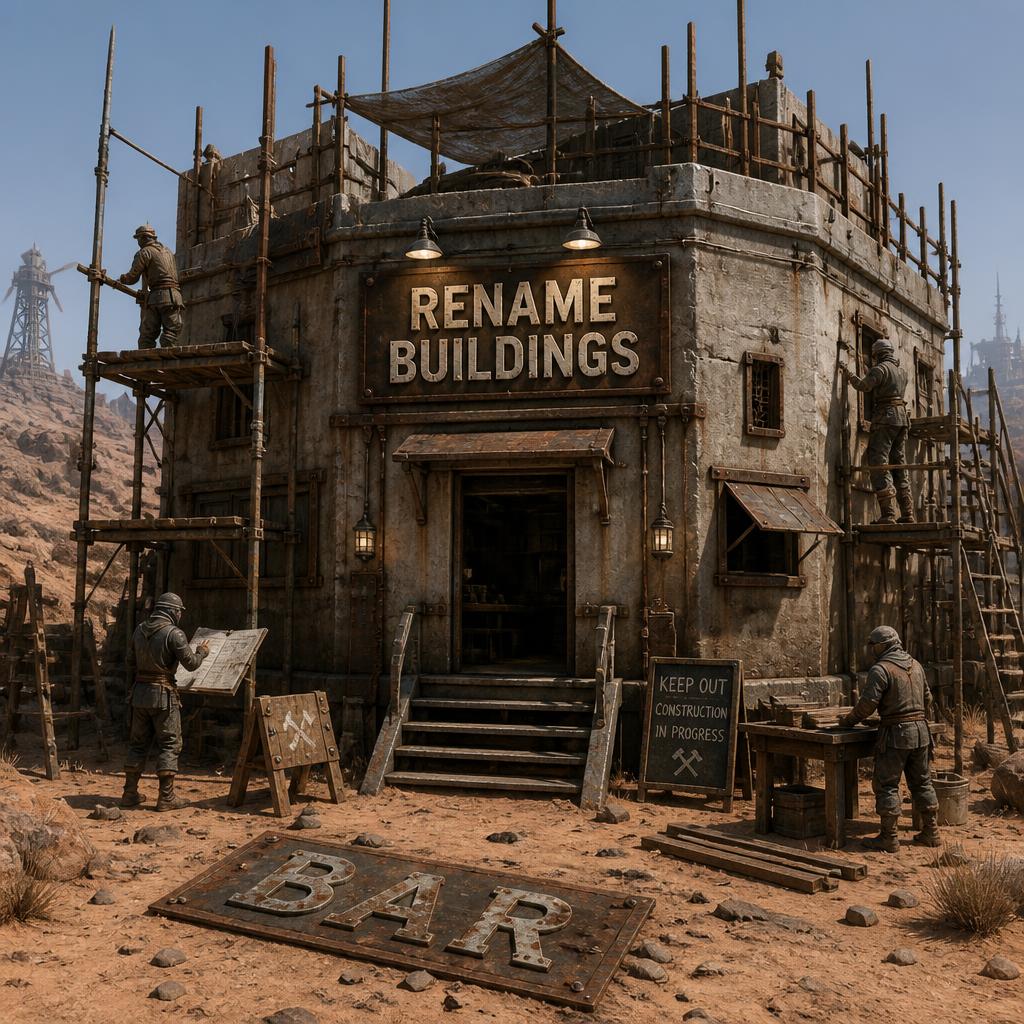
Kenshiにおいて、プレイヤーが所有する全ての建物の名前を変更できるようにするMODです。特に作業台などの施設を一目で識別しやすくすることを主な目的としています。建築メニューから作成するオブジェクトと、購入した建物シェル(例:虫の家、壁、ゲートなど)の両方をリネーム可能です。リネームされた名前は、ゲームのセーブ、ロード、インポート後も永続的に保持されます。
このMODで何が変わるか
プレイヤーが所有する建物を選択すると、画面上に専用の「Rename」ボタンが表示されるようになります。このボタンをクリックすると、カスタム名をテキスト入力できるウィンドウが開きます。入力した名前は、選択した建物の新しい名称としてゲーム内で永続的に表示され、視覚的にその役割を区別できるようになります。
MODの設定は、JSONファイルまたはオプションの「Emkej’s Mod Hub」を通じて変更可能です。これにより、リネーム可能な建物の種類を制限したり、設定を上書きしてプレイヤー所有以外の建物のリネームを許可したりすることもできます。
想定されるメリット(推定)
* 複数の作業台や生産施設を区別しやすくなり、拠点管理の効率が大幅に向上すると考えられます。
* 特定の作業(例:「Dustwich調理器」「食料キューブ調理器」)ごとに施設名を付けることで、キャラクターへの作業指示がより直感的になると考えられます。
* 拠点内の主要な建物(例:「メイン倉庫」「研究棟」)にカスタム名を付けることで、ロールプレイの没入感が高まると考えられます。
* 視覚的な情報が増えることで、プレイヤーの記憶への依存が減り、ゲーム体験が快適になると考えられます。
想定されるデメリット・注意点(推定)
* MODの動作には「RE_Kenshi」が必須であるため、この前提MODを導入していない場合は追加の導入作業が必要になる可能性があります。
* リネーム作業自体は手動で行うため、多数の建物を頻繁にリネームしたいプレイヤーにとっては、多少の手間がかかる可能性があります。
* 設定変更により非プレイヤーの建物のリネームも可能になりますが、意図しないリネームや設定ミスによるゲーム進行への影響が発生する可能性も考えられます。
* 既存のゲームファイルやUI要素を直接変更するものではないとされていますが、他のUI変更MODやスクリプト系のMODとの予期せぬ相互作用が全くないとは言い切れない可能性があります。
向いている人(推定)
* 大規模な拠点を建設し、多数の生産ラインや作業台を効率的に管理したいプレイヤー。
* 各施設の役割を明確にし、混乱を避けたいプレイヤー。
* 拠点でのロールプレイを重視し、没入感を高めるために建物に個別の名前を付けたいプレイヤー。
* UIがシンプルで直感的な情報提供を好むプレイヤー。
向いていない人(推定)
* 建物の数や種類が少なく、特に名前変更の必要性を感じないプレイヤー。
* MOD導入や設定変更に手間をかけたくないプレイヤー(特にRE_Kenshiの導入が初めての場合)。
* 非常に軽量なゲームプレイを好み、UI要素の追加を避けたいプレイヤー。
総合評価(暫定)
– おすすめ度:★★★★☆
– 根拠:ゲームプレイの中核を変更するものではないものの、拠点管理のQoL(Quality of Life)を大幅に向上させる非常に有用な機能を提供します。特に大規模な拠点や複数の生産施設を持つプレイヤーにとっては、その恩恵は大きいでしょう。追加されるUI要素はシンプルで、ゲームの雰囲気を損ないません。必須MODの導入が必要ですが、その手続きは一般的です。サブスクライバー数は不明。
※この説明文はAIによる自動翻訳です。正確な情報は下記の原文またはSteam Workshop公式ページをご確認ください。
原文を見る(英語)
Rename Buildings lets you rename all player-owned buildings in Kenshi.
It was primarily created for renaming workstations so they are easier to identify at a glance. For example, you can rename one Cooking Stove to “Cook Dustwich” and another to “Cook Food Cube”. Both player-owned building-type objects from the build menu and purchased buildings shells can be renamed.
Selecting a supported building displays a small draggable Rename button. Clicking it opens a compact rename window where you can enter a custom name. Renamed buildings keep their names permanently, including after saving, loading and importing.
The mod is configurable through a JSON file, or Emkej’s Mod Hub (under the UI section).
How to Use
Select a player-owned “building” (Cooking Stove, Research Bench, Iron Refinery, Bughouse, Wall, Gate, etc.)
Click the “Rename” button on the left side of the screen (or wherever you dragged it) to open the rename window
Type in the new name in the edit box
Click “Rename” to confirm, or click the X button to cancel
Click on any other object to refresh the displayed name
Features
Rename all player-owned buildings – Buildable objects or building shells (rename configuration can be overridden)
Persistent through saves – Renamed buildings keep their new name when saving, loading, and importing.
Draggable – Reposition the button by dragging it. It stays clamped to screen edges so it cannot be moved off-screen.
Selection-aware – The button only appears when a player-owned building is selected. It hides automatically when nothing is selected or when the selected building belongs to someone else.
Toggle behavior – Clicking the “Rename” button while the window is already open closes it.
Ownership check – Only buildings owned by the player can be renamed. The rename action itself also verifies ownership.
Configurable – Supports config through JSON (out of game) or Emkej’s Mod Hub (in game). You can now override which buildings you are allowed to rename, allowing you to limit the amount of buildings you can rename. You can also override the player check, so non-player buildings can be renamed.
Requirements
RE_Kenshi (tested on v0.34)
Emkejs-Mod-Core (optional, for Mod Hub in-game settings UI; load before RenameBuildings)
Kenshi v1.0.65+
Limitations
None that I know of. If you find something, get in the comments.
Compatibility
No special load order required beyond RE_Kenshi
If using Emkejs Mod Core/Mod Hub for configuration, load it before this mod
Does not alter any game files or UI elements beyond the added button and window
Troubleshooting
Confirm RE_Kenshi is installed and enabled.
If the Rename button does not appear, verify you have selected a player-owned building or have not overridden any building selections in the configuration.
If the window does not disappear when clicking “Rename”, you most likely have a blank/invalid name. Pure whitespace is not allowed.
If the building did not update its name after the window closed, click on any other building or character to trigger the actual rename.
If you have overridden a building type in the JSON configuration, but it does not correctly hide the in-game button, ensure you have also enabled the flag that allows overriding in general. The main flag is required for any of the specific overrides to work.
Check Out All My Mods
Rename Buildings, Lets you rename all player-owned buildings in Kenshi.
Simple Compass, Never lose your bearings in Kenshi again. A compass HUD element showing your current heading in degrees and cardinal direction.
Fix Shopping Wages, gives most NPCs their daily allowance so they keep buying from player shops.
Medic Button Splint Rigging, Adds the “Splint Rigging” job when shift-clicking the medic button.
Shout outs
BFrizzleFoShizzle, creator of KenshiLib and RE_Kenshi. Without either, this mod would not exist.
Anarkius, for discovering building shells could be renamed in the game editor, giving me the debug info I needed to allow renaming buildings identifying as doors.
Emkej, creator of Emkejs-Mod-Core for Mod Hub and in-game settings UI
このMODはSteam Workshopで公開されています。ダウンロード・詳細は公式ページをご確認ください。