- 対応バージョン:不明
- サブスクライバー数:6642
- 最終更新:2026-03-31 20:33:27 UTC
- 制作者:76561198014968620
MOD説明(日本語)
MOD概要
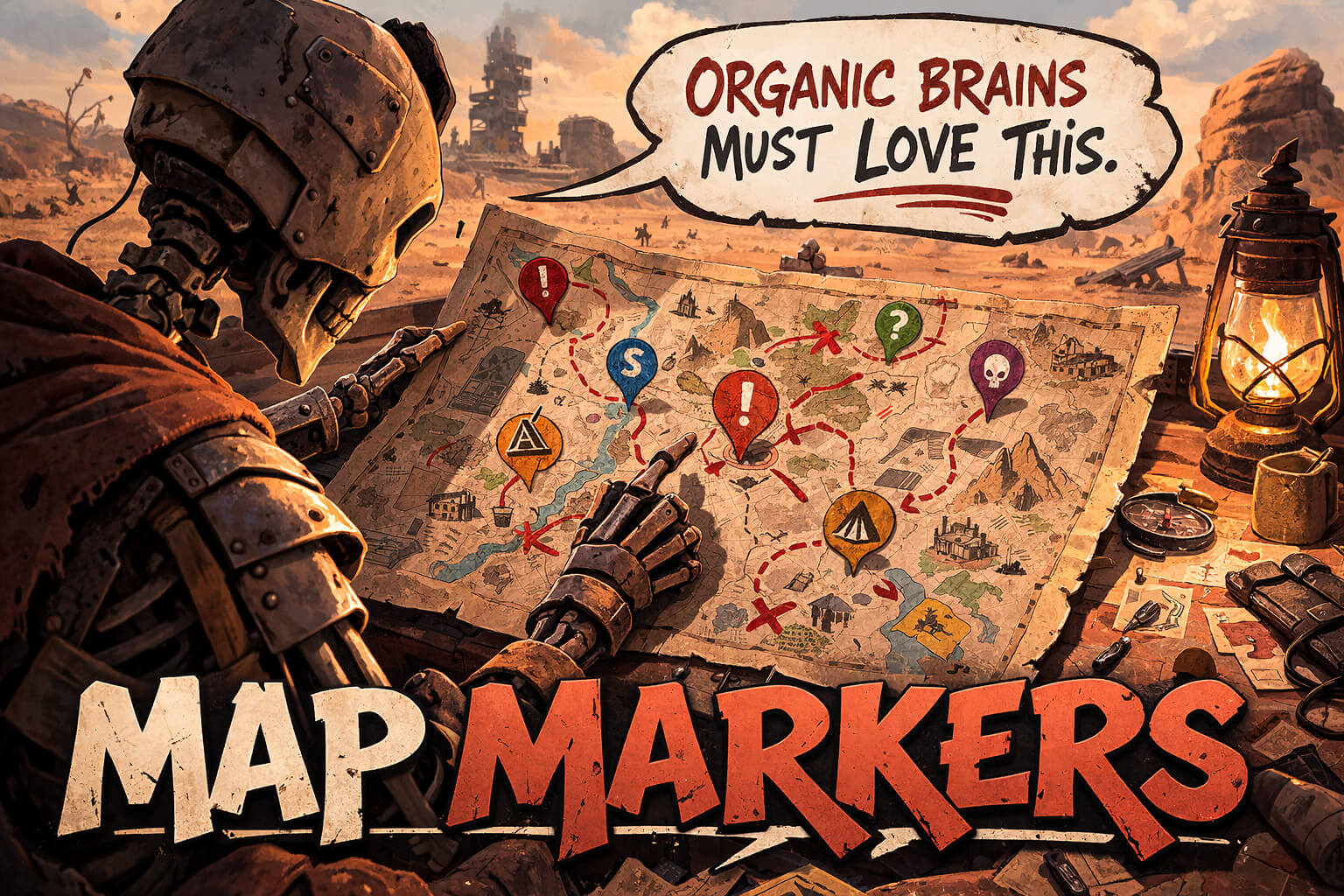
Kenshiのワールドマップに、プレイヤーが自由に作成できる永続的なカスタムノートとピンを追加するMODです。RE_Kenshiを介して機能を提供します。マーカーはセーブデータごとに保存され、種類と短いラベルを設定できます。マップ内でマーカーの編集が可能で、マーカーの表示/非表示を切り替えるフッターボタンが用意されています。オプションとして、Emkejs Mod Coreを導入することでMod HubからのUI設定連携も利用できます。Kenshi 1.0.65に対応しています。
このMODで何が変わるか
– ワールドマップ上に、プレイヤーが追加・編集・削除できるカスタムマーカー(ピン、ノート)が表示されるようになります。
– マーカーには「Note(メモ)」「Danger(危険)」「Stash(隠し場所)」「Ruin(遺跡)」「Mine(鉱山)」「Base(拠点)」「Trader(商人)」「Safe Spot(安全地帯)」「Quest(クエスト)」「Todo(やること)」といった複数のタイプを設定し、短いラベルを付けることができます。
– 作成されたマーカーデータは、各セーブデータに個別のファイルとして永続的に保存され、ゲームをロードしても情報が失われることはありません。
– マップ画面のフッターにあるボタンで、すべてのマーカーの表示/非表示を切り替えられるようになります。
– Emkejs Mod Coreが導入されている場合、ゲーム内のMod Hubから主要なマーカーUI設定を変更できるようになります。
想定されるメリット(推定)
– 広大なKenshiの世界において、プレイヤーが独自に重要な地点や情報をマップ上に記録・管理できるようになり、探索や冒険の効率が大幅に向上すると考えられます。
– 危険な場所、発見した遺跡、未調査のロケーション、貴重な資源がある鉱床、潜在的な拠点候補地などを明確にマークすることで、ゲームプランニングがしやすくなると考えられます。
– 忘れがちな商人の場所、安全な休憩所、特定のクエスト目標などを視覚的に残せるため、迷子になったり情報を失ったりするリスクが軽減される可能性があります。
– 複数のセーブデータで異なるプレイスタイルを楽しんでいる場合でも、それぞれの進行状況に合わせてカスタマイズされたマップ情報を保持できると考えられます。
– マーカーの種類が豊富であるため、様々な情報(危険度、資源、目的など)を直感的に分類・把握できるようになると考えられます。
想定されるデメリット・注意点(推定)
– このMODを利用するには、前提MODであるRE_Kenshiの導入が必須であり、その導入手順や互換性に関する問題が発生する可能性があります。
– マーカーをあまりにも多くマップに追加しすぎると、マップが情報過多になり、逆に視認性が低下する可能性があります。
– マーカーの追加、選択、移動、編集、削除といった操作方法に慣れるまで、ある程度の学習コストがかかる可能性があります。
– Emkejs Mod Coreを導入しない場合、Mod HubからのUI設定変更機能は利用できませんが、基本的なマーカー機能には影響しないと考えられます。
– Kenshiのゲームバージョン更新や、他のMODとの組み合わせによっては、RE_KenshiやこのMOD自体が予期せぬ不具合を引き起こす可能性は常に存在します。
向いている人(推定)
– Kenshiの広大な世界を効率的に探索し、発見した情報を整理して活用したいプレイヤー。
– 複数拠点での活動や、特定の資源採集などを計画的に進めたい戦略的なプレイヤー。
– 探索中に見つけた興味深い場所や危険地帯を、後で参照できるように記録しておきたいプレイヤー。
– プレイスタイルに合わせてマップ情報をカスタマイズし、よりパーソナルなゲーム体験を求めるプレイヤー。
– リソース管理や冒険の計画を立てる際に、視覚的な補助ツールを求めるプレイヤー。
向いていない人(推定)
– マップ情報はシンプルに保ちたい、またはゲーム内のデフォルト機能で十分だと感じるプレイヤー。
– MODの導入や管理、特に前提MODの導入に手間を感じるプレイヤー。
– ゲーム内の情報を記憶に頼ったり、その都度探索し直すことを楽しむ、ミニマリストなプレイスタイルのプレイヤー。
– UIに新しい要素が追加されることを好まない、または既存のUI変更を避けたいプレイヤー。
総合評価(暫定)
– おすすめ度:★★★★★
– 根拠:Kenshiの広大な世界でプレイヤーが自由にマップ情報を記録・管理できる機能は、探索、拠点管理、戦略立案において非常に実用的であり、ゲーム体験を大きく向上させる可能性が高いです。サブスクライバー数は情報が不明なため考慮せず、機能の汎用性と実用性を高く評価します。RE_Kenshiが必須ですが、これは多くのKenshi MODの基盤となっており、その導入は他のMOD利用にもつながる可能性があります。
※この説明文はAIによる自動翻訳です。正確な情報は下記の原文またはSteam Workshop公式ページをご確認ください。
原文を見る(英語)
Requirements
– RE_Kenshi 0.3.0, 0.3.1
How to Use
– Open the world map and middle-click empty map space to add a marker.
– New markers focus the label field automatically so you can start typing right away.
– Press Enter there to save the label and deselect the marker.
– Left-click a marker to select it.
– Left-click empty map space to move the selected marker.
– Press Delete to remove the selected marker.
– Right-click the map to deselect the current marker.
– Use the editor panel to change the marker type and label.
– Use the `Markers: On/Off` footer button to hide or show markers.
– If Emkejs Mod Core mod is installed, key marker UI settings also appear in Mod Hub. `default_marker_type` uses `0 Note | 1 Danger | 2 Stash | 3 Ruin | 4 Mine | 5 Base | 6 Trader | 7 Safe Spot | 8 Quest | 9 Todo`.
Configuration:
– `mod-config.json` stores global UI state such as remembered visibility and editor position.
– Each save stores marker data in its own `Map-markers.json`.
Compatibility
– No special load order required beyond RE_Kenshi if Emkejs Mod Core is not used.
– If Emkejs Mod Core is used for Mod Hub integration, load this mod after Emkejs Mod Core
– Kenshi 1.0.65.
Troubleshooting
– Confirm RE_Kenshi is installed and enabled.
– If the editor closes with the map, check `close_editor_on_map_close` in `mod-config.json`.
Version: 0.1.0-alpha.3
Features
– Persistent per-save map markers
– Marker types and short labels
– In-map selected-marker editor
– Footer toggle button for marker visibility
– Optional Mod Hub integration for key marker UI settings Emkejs Mod Core mod
My other mods
Wall-B-Gone – Adds a hotkey that allows the player to quickly dismantle player-built walls.
Auto-Pause on Load – Auto-Pause on Load automatically pauses Kenshi after a save finishes loading, giving you time to review your squad and situation before the game resumes.
Job-B-Gone – Adds an in-game above the squad UI so you can quickly remove queued jobs for one member, selected members, a whole squad, or all player squads.
Vital Sense – Highlights downed characters with state text/icons and shows configurable bounty symbol markers for downed and live bounty targets while ALT is held.
Emkejs Mod Core – Install this to enable the in-game menu and shared settings for this mod.
Organize the Trader – Adds a search bar to Kenshi trader windows so you can find items faster.
Organize the Crafting Stations – Adds a search bar to Kenshi crafting and research windows so you can filter visible recipes and blueprints without scrolling through the full list.
Vital Read – Adds small configurable status markers to squad portraits so you can read critical downed and injury states at a glance without opening each character panel.
Hidden Faction Relations – Adds an in-game panel to the Options menu that shows the player’s hidden faction relations.
Emkejs Test Kit – Adds an in-game debug toolkit for Kenshi that brings Health, Stats, Teleport, Inventory, and Spawn tools together in a single panel, with spawn faction testing.
Organize the Inventory – Adds search bars to Kenshi’s inventory UI so you can filter the active player inventory view or supported creature and pack-animal inventory views without moving items.
Support / full patch notes
For updates, full changelog, bug reports, and support, use the Nexus page:
Map markers on Nexus Mods
Support the developer
If you enjoy my mods and want to support future development, you can support me on Ko-fi. You can also help decide what I build next by voting in my polls:
https://ko-fi.com/emkej
このMODはSteam Workshopで公開されています。ダウンロード・詳細は公式ページをご確認ください。